EVERYDAY TOOLS
Phone alerts
Know the moment something happens.
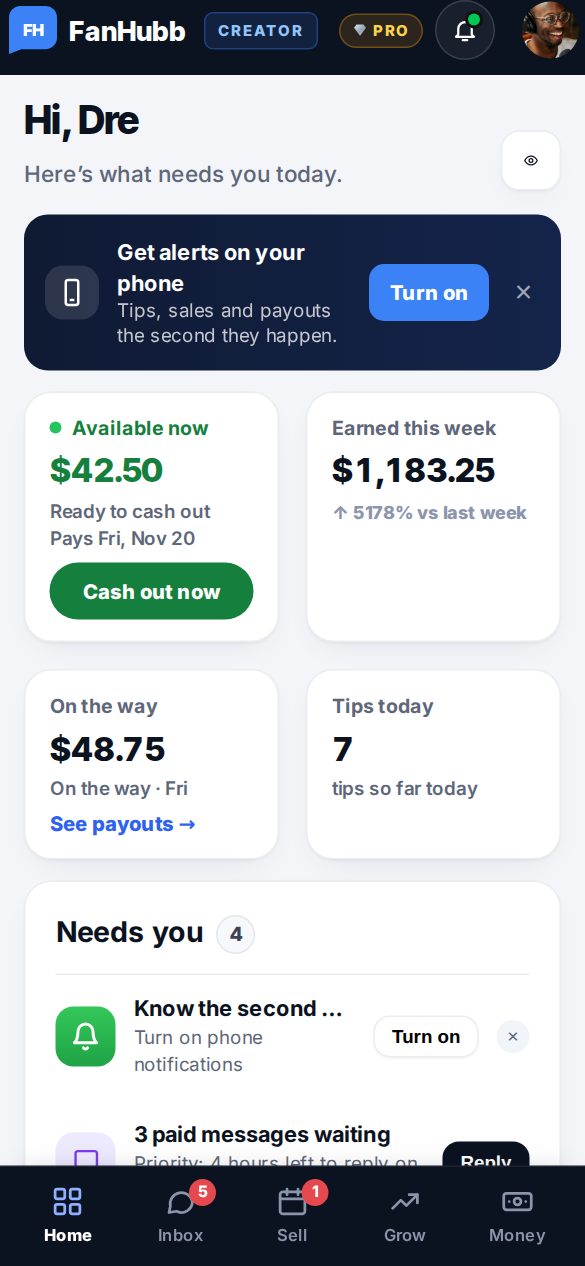
Turn on notifications and FanHubb tells your phone or computer about tips, sales, custom requests, replies and payouts. Lock screens show only the amount, never a fan’s name.
What creators use it for
MoneyEvery tip and sale.Example: “New tip $25.00”
MessagesReplies and chats.Example: a fan wrote back
PayoutsWhen money is sent.Example: “Payout sent”
How it works
- 1Tap Turn on notificationsOn your dashboard.
- 2Allow themOn iPhone, add FanHubb to your Home Screen first.
- 3Choose what you getSwitch categories on or off.
What’s included
- Phone and computer
- Private lock-screen alerts
- Quiet hours
- Categories you can switch off
Questions
Do alerts show a fan’s name?
No. Only what happened and the amount.
Goes well with
Try Phone alerts free.Join free and set it up in a few minutes.
Start free